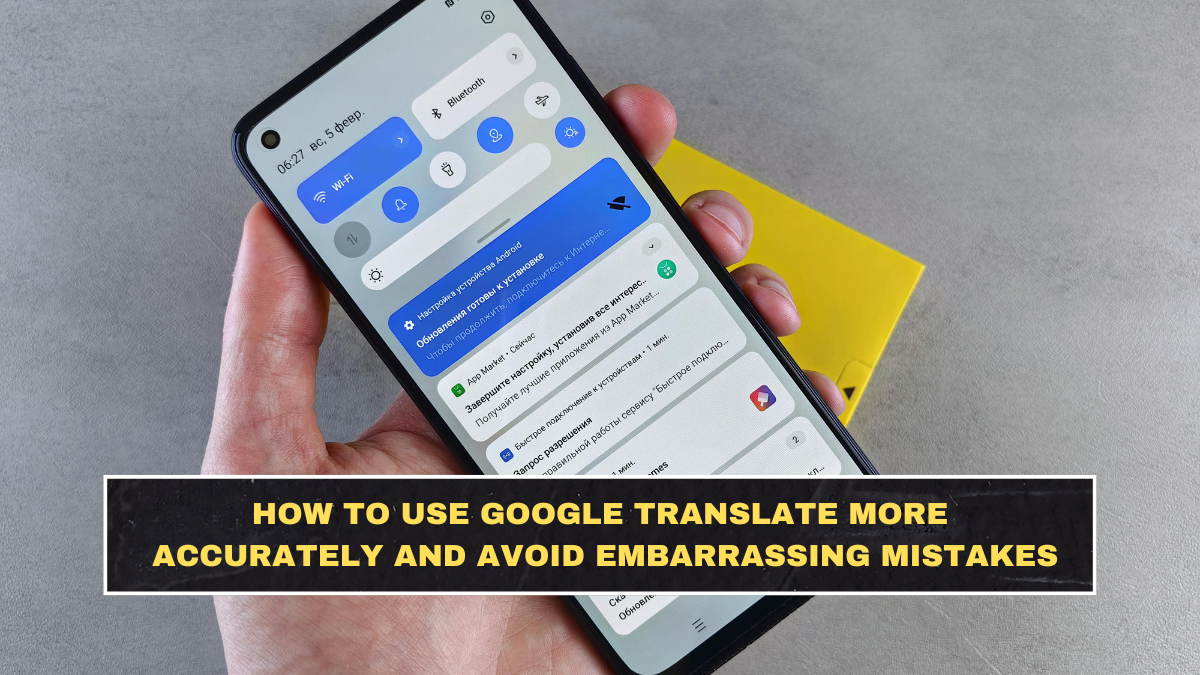
Google Translate is useful, but a lot of people use it carelessly and then blame the tool when the translation sounds wrong, awkward, or even absurd. The problem is usually not just the app. It is the input. Google’s own help pages openly say translation accuracy depends on factors like text clarity, especially for image translation, where small, blurry, stylized, or unclear text can reduce quality. The official app listings also show that Google Translate now supports a wide range of formats, including typed text, camera translation, photos, conversation mode, offline packs, and phrase saving, but feature support still varies by language.
That matters because people often expect one-tap translation to behave like a trained human translator in every situation. It does not. Google Translate is good for quick understanding, travel help, signs, menus, short messages, and rough first-pass translation. It is much less trustworthy for legal, medical, formal business, or culturally sensitive communication unless a human reviews it. Even recent research in translation accuracy keeps stressing that translation errors can still create misunderstandings, especially in high-stakes settings.
Why do people get bad results from Google Translate?
Most bad translations start with bad source text. If you paste a long, messy sentence full of slang, typos, unclear references, or broken grammar, you are feeding confusion into the system. The output may still look smooth, but smooth does not always mean correct. Google’s image-translation help explicitly says clarity affects results, and that same principle applies beyond photos. Clean input gives better output.
Another common mistake is translating too much at once. People drop full paragraphs with idioms, jokes, local references, and culture-specific wording into the app, then act shocked when the result sounds stiff or strange. Machine translation is better than it used to be, but it still handles direct, clear language more reliably than layered human nuance. That is not a flaw you can wish away.
How should you write text before translating it?
Write shorter sentences. Use standard wording. Remove slang, sarcasm, and unnecessary filler. Replace vague words like “that one,” “thing,” or “it” with the actual noun where possible. If you are translating instructions, use one action per sentence instead of packing five ideas together. This sounds obvious, but most people do the opposite and then wonder why the translation gets muddy.
A smarter workflow is to simplify first, then translate, then check the result back into your original language if needed. That extra step is not perfect, but it often exposes obvious mistakes fast. If the back-translated version looks wildly different from what you meant, your original translation probably needs work.
| Better practice | Why it helps | Example |
|---|---|---|
| Use short sentences | Reduces ambiguity | “Send the file today.” |
| Avoid slang | Slang often translates badly | Replace “That’s sick” with “That’s excellent” |
| Be specific | Clear nouns improve accuracy | Use “passport” instead of “document” |
| Check image clarity | Poor visuals reduce accuracy | Retake blurry signs or menus |
| Review by context | Literal translation can mislead | Check whether tone and meaning still fit |
Which Google Translate features help most with accuracy?
The best feature depends on the job. For signs, menus, labels, and printed text, camera and photo translation are useful, but Google says image translation works better when the text is clear and readable. For longer text, typing or pasting directly is usually more accurate than relying on a bad photo. For live conversations, the app supports conversation mode, and for travel or weak-signal situations, offline language packs are available. Google’s official app listing says offline translation currently supports dozens of languages, while camera and conversation support vary by language.
That means you should stop using one feature for everything. If you are translating a restaurant menu, camera mode makes sense. If you are translating a work email, typed input is safer. If you are in a real-time bilingual exchange, conversation mode is better. People get weaker results because they use the fastest method, not the most suitable one.
When is offline translation good enough?
Offline translation is useful, but you should treat it as a convenience tool first. Google says you can download languages to use without Wi-Fi, and some language packs can be upgraded for higher quality. That is practical for airports, remote areas, road trips, and travel abroad when signal is weak. But if the message really matters, relying only on an offline pack without reviewing the wording is careless.
The honest rule is simple: offline is great for survival, navigation, and quick understanding. It is not where you should place blind trust for sensitive communication.
What mistakes should you absolutely avoid?
Do not use Google Translate as your final authority for contracts, medical instructions, legal submissions, visa paperwork, or emotionally important messages without human review. That is where embarrassment becomes risk. Academic and professional literature keeps pointing out that mistranslations can create real consequences in formal settings, including misunderstandings, delays, or rejected documents.
You should also avoid trusting literal-looking translations too quickly. Sometimes the wording looks clean but misses tone, politeness, or local meaning. That is especially risky in languages where formality matters. A translation that is technically understandable can still make you sound rude, childish, or oddly robotic.
What is the smartest way to use Google Translate in 2026?
Use it as a strong assistant, not a perfect interpreter. Start with clear text. Choose the right input method. Translate smaller chunks. Check the result against context. Save useful repeated phrases in your phrasebook when available. And when the stakes are high, let a human review the final wording. Google Translate is excellent for speed and access. It is not a substitute for judgment.
Conclusion
Google Translate works best when you stop using it lazily. Write clearly, translate in smaller chunks, use the right feature for the job, and remember that convenience is not the same as accuracy. Camera mode, conversation mode, typed translation, offline packs, and phrase saving all have real value, but they work better when your expectations are realistic. For travel, daily communication, and quick understanding, Google Translate is extremely useful. For sensitive or formal communication, it still needs human review. That is the honest line most people keep ignoring.
FAQs
Can Google Translate be accurate enough for daily use?
Yes, for everyday tasks like signs, menus, short messages, basic travel communication, and quick understanding, it is often very useful. But accuracy still depends on clear input and the language pair involved.
Does Google Translate work offline?
Yes. Google says you can download language packs for offline use, and some can be upgraded for higher quality.
Why does Google Translate make weird mistakes?
Usually because the source text is unclear, overly long, slang-heavy, blurry in images, or too dependent on context. Google specifically says poor image clarity reduces translation accuracy.
Should I use Google Translate for legal or medical documents?
Not by itself. Research and professional guidance continue to show that mistakes in high-stakes translation can have serious consequences, so human review is still important.
Click here to know more